Como o monitoramento automático de tempo melhora a produtividade da equipe
Adam Brooks

Introdução
Para muitas organizações, o controle de tempo ainda é um processo manual. Os funcionários iniciam e param cronômetros, preenchem planilhas de horas no final do dia ou tentam se lembrar no que trabalharam ao longo da semana. O resultado costuma ser dados incompletos, relatórios imprecisos e perda de produtividade.
O controle de tempo automático muda isso ao capturar a atividade de trabalho em segundo plano e criar uma imagem mais precisa de como o tempo é gasto. Em vez de depender da memória ou da entrada manual, as empresas obtêm dados confiáveis que ajudam a melhorar o planejamento de projetos, a alocação de recursos, a análise de produtividade e a lucratividade.
Neste artigo, você aprenderá como funciona o controle de tempo automático, seus principais benefícios, desafios comuns de implementação e as melhores práticas para obter o máximo valor dele.

O Que É Controle de Tempo Automático?
Como Funciona
O controle de tempo automático registra a atividade em segundo plano enquanto os funcionários trabalham. Em vez de iniciar e parar cronômetros manualmente, o software monitora aplicativos, sites, documentos e sessões de trabalho ativos e, em seguida, organiza essas informações em registros de tempo.
Muitas plataformas modernas também usam IA para categorizar atividades e sugerir alocações de projetos, reduzindo o esforço necessário para preencher as planilhas de horas.
Recursos Comuns
As soluções típicas de controle de tempo automático incluem:
Monitoramento de atividades em segundo plano
Rastreamento de aplicativos e sites
Planilhas de horas automatizadas
Categorização de projetos e tarefas
Análise de produtividade
Relatórios e painéis de equipe
Integrações com ferramentas de gerenciamento de projetos
Ao contrário dos cronômetros tradicionais, esses sistemas continuam coletando informações mesmo durante a alternância frequente de contexto, o que é comum no trabalho intelectual.
Por Que as Empresas Estão Adotando
Um dos maiores desafios do acompanhamento manual é o erro humano. Os funcionários esquecem de iniciar os cronômetros, esquecem de pará-los ou estimam as horas depois do fato ocorrido. O rastreamento automático elimina grande parte desse atrito e melhora a precisão dos dados.
Benefícios do Controle de Tempo Automático para Equipes
Dados Mais Precisos
As planilhas de horas manuais costumam depender da memória, o que pode levar a horas perdidas e relatórios imprecisos. O rastreamento automático captura a atividade de trabalho à medida que ela acontece, ajudando as organizações a construir um conjunto de dados mais confiável.
Para empresas baseadas em serviços, mesmo pequenas melhorias na precisão podem impactar significativamente o faturamento e a lucratividade.
Menos Trabalho Administrativo
Os funcionários raramente gostam de preencher planilhas de horas. Ao reduzir a inserção manual de dados, as equipes passam menos tempo em tarefas administrativas e mais tempo em trabalhos significativos. Várias plataformas líderes relatam um preenchimento significativamente mais rápido das planilhas de horas e taxas de adoção mais altas quando o rastreamento é automatizado.
Melhor Gerenciamento de Projetos
Quando os gerentes entendem exatamente onde o tempo está sendo gasto, eles podem:
Identificar gargalos
Melhorar as estimativas dos projetos
Equilibrar as cargas de trabalho
Alocar recursos de forma mais eficaz
Isso cria um ciclo de melhoria contínua baseado em padrões de trabalho reais, em vez de suposições.
Uma Perspectiva Diferente
A maioria dos artigos se concentra em rastrear horas. No entanto, o valor real do controle de tempo automático não é medir o tempo, mas sim revelar ineficiências operacionais ocultas. As organizações frequentemente descobrem interrupções recorrentes, reuniões desnecessárias ou restrições de recursos que, de outra forma, permaneceriam invisíveis.
Usando Dados de Tempo para Melhorar a Produtividade
Identificar Padrões de Trabalho
Os dados de controle de tempo ajudam os gerentes a entender como o trabalho realmente acontece.
Por exemplo, as equipes podem descobrir:
Funcionários de alto desempenho passam mais tempo em blocos de trabalho focado.
Certos projetos excedem consistentemente as estimativas.
Reuniões internas consomem mais tempo do que o esperado.
O trabalho administrativo está reduzindo a entrega produtiva.
Esses insights permitem que os líderes tomem decisões baseadas em evidências, em vez de depender da intuição.
Melhorar o Planejamento de Recursos
A visibilidade da carga de trabalho ajuda a evitar tanto o esgotamento dos funcionários quanto a ociosidade.
Muitas organizações usam relatórios automáticos de controle de tempo para avaliar a capacidade, identificar membros da equipe sobrecarregados e redistribuir o trabalho antes que a produtividade seja afetada.
Apoiar Equipes Remotas e Híbridas
Os ambientes de trabalho remoto muitas vezes tornam a visibilidade mais desafiadora. O controle de tempo automático fornece dados objetivos de trabalho sem a necessidade de alinhamentos ou atualizações de status constantes.
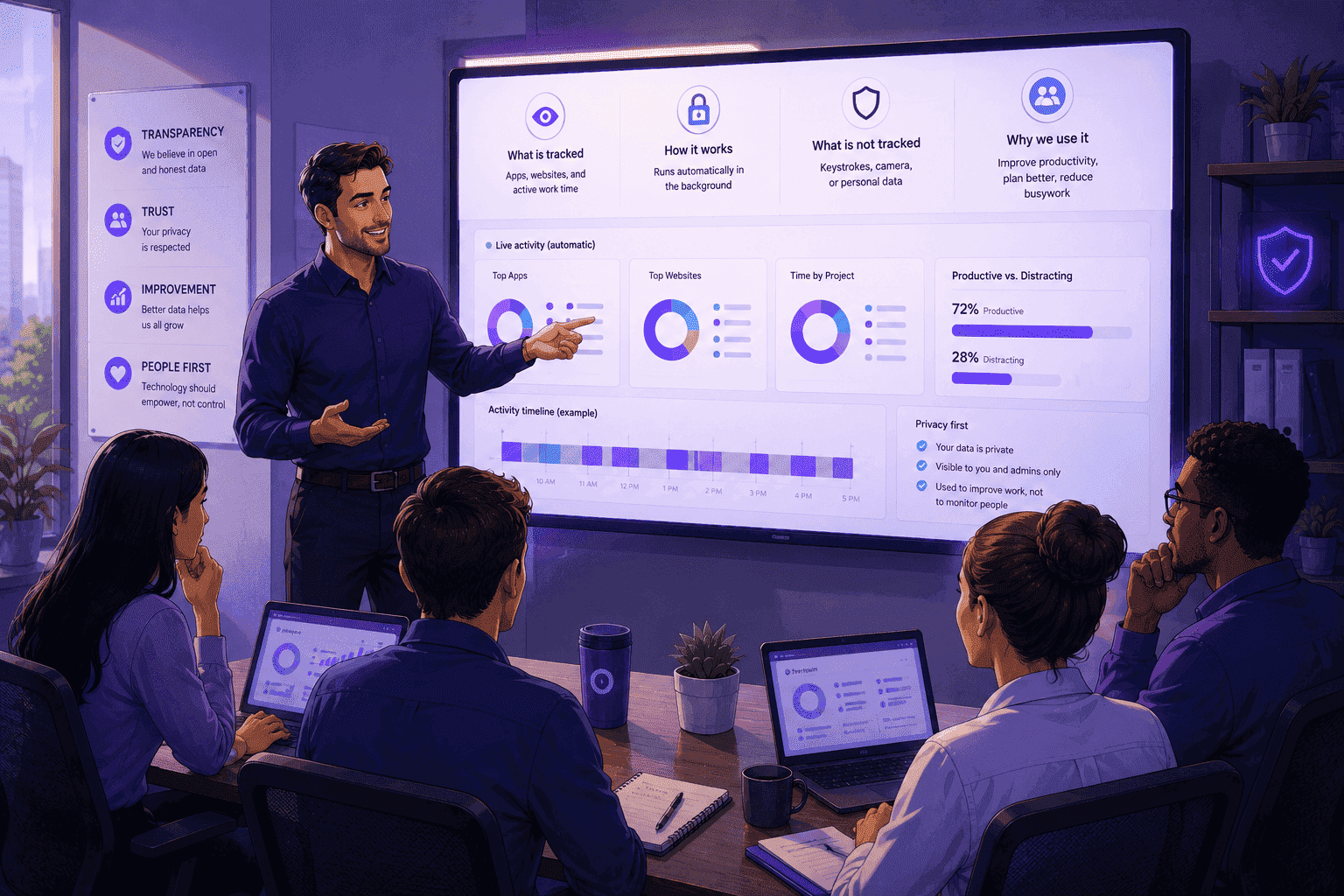
As implementações mais eficazes focam na transparência e em insights de produtividade, em vez de vigilância.
Melhores Práticas para uma Implementação Bem-Sucedida
Seja Transparente
Os funcionários devem entender:
Quais dados são coletados
Por que são coletados
Como serão usados
A transparência gera confiança e aumenta a adoção.
Foque na Melhoria, Não no Monitoramento
O objetivo deve ser a melhoria operacional, e não a vigilância dos funcionários. Organizações que usam o controle de tempo como uma ferramenta de orientação e otimização geralmente alcançam melhores resultados a longo prazo.
Revise os Dados Regularmente
Apenas coletar dados não gera valor. Programe revisões regulares para identificar tendências, melhorar processos e ajustar a alocação de recursos.
Principais Conclusões
O controle de tempo automático reduz a dependência de planilhas de horas manuais.
As equipes capturam dados de trabalho mais precisos com menos esforço.
Os gerentes ganham visibilidade sobre as cargas de trabalho e as tendências de produtividade.
As empresas melhoram as estimativas de projetos e o planejamento de recursos.
Os funcionários passam menos tempo em tarefas administrativas.
As soluções modernas priorizam a privacidade ao mesmo tempo em que mantêm a precisão.
Dados melhores levam a melhores decisões operacionais.
Conclusão
O controle de tempo automático ajuda as organizações a substituir estimativas e suposições por dados de trabalho precisos. Ao reduzir a sobrecarga administrativa, melhorar a precisão dos relatórios e fornecer uma visibilidade mais profunda de como as equipes operam, as empresas podem tomar decisões mais inteligentes e melhorar a produtividade geral.
À medida que o trabalho remoto e híbrido continua a evoluir, as organizações que aproveitam dados de tempo confiáveis estarão mais bem posicionadas para otimizar as operações, melhorar a lucratividade e apoiar o desempenho sustentável da equipe.



Teste o OrbityTrack por 7 dias!
Aumente a produtividade.
Transforme dados em resultados.
Obtenha total visibilidade sobre sua equipe.
Comece seu teste gratuito