The Real Cost of Workplace Distractions and How to Reduce Them
Lauren Mitchell
Feb 11, 2026
Introduction
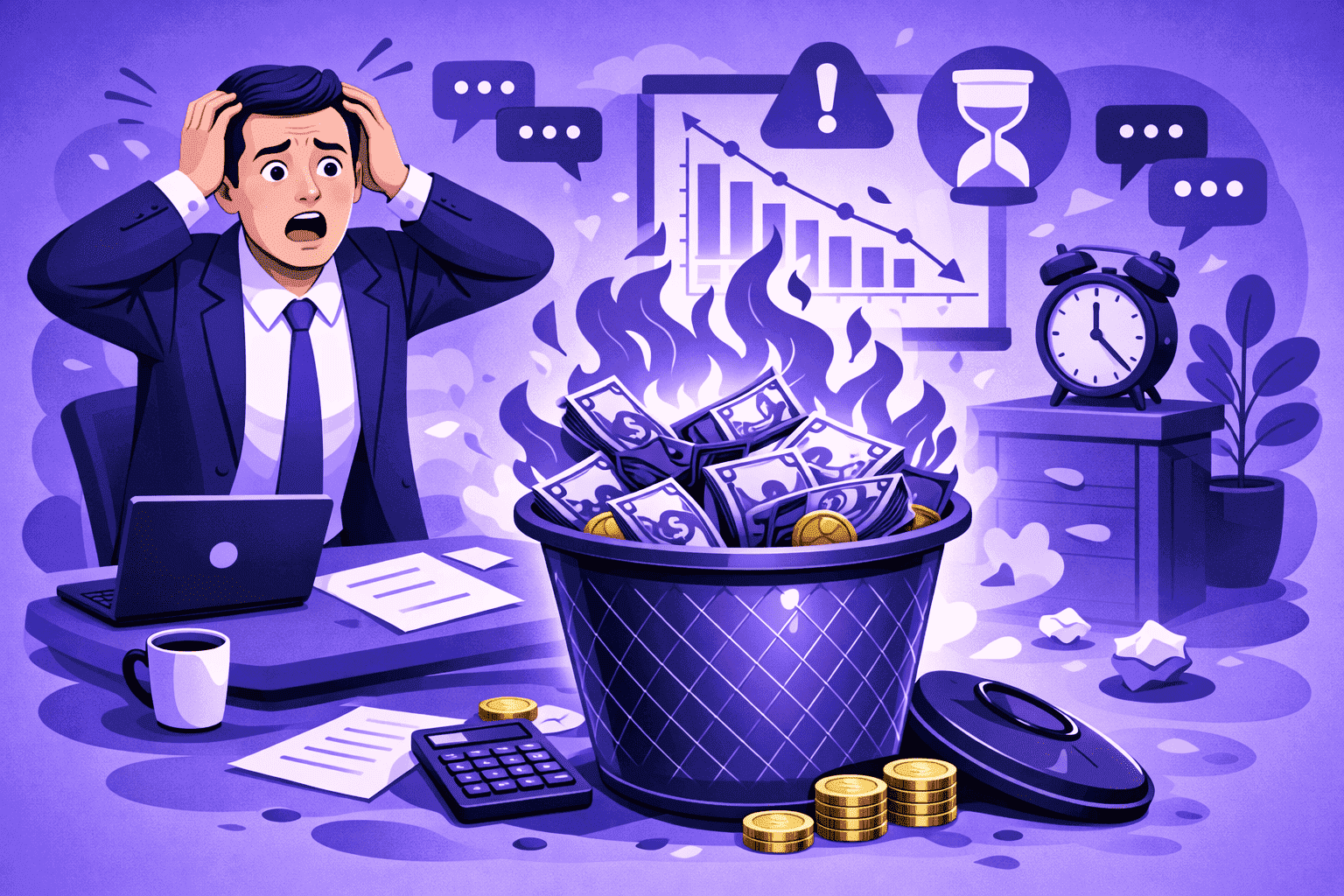
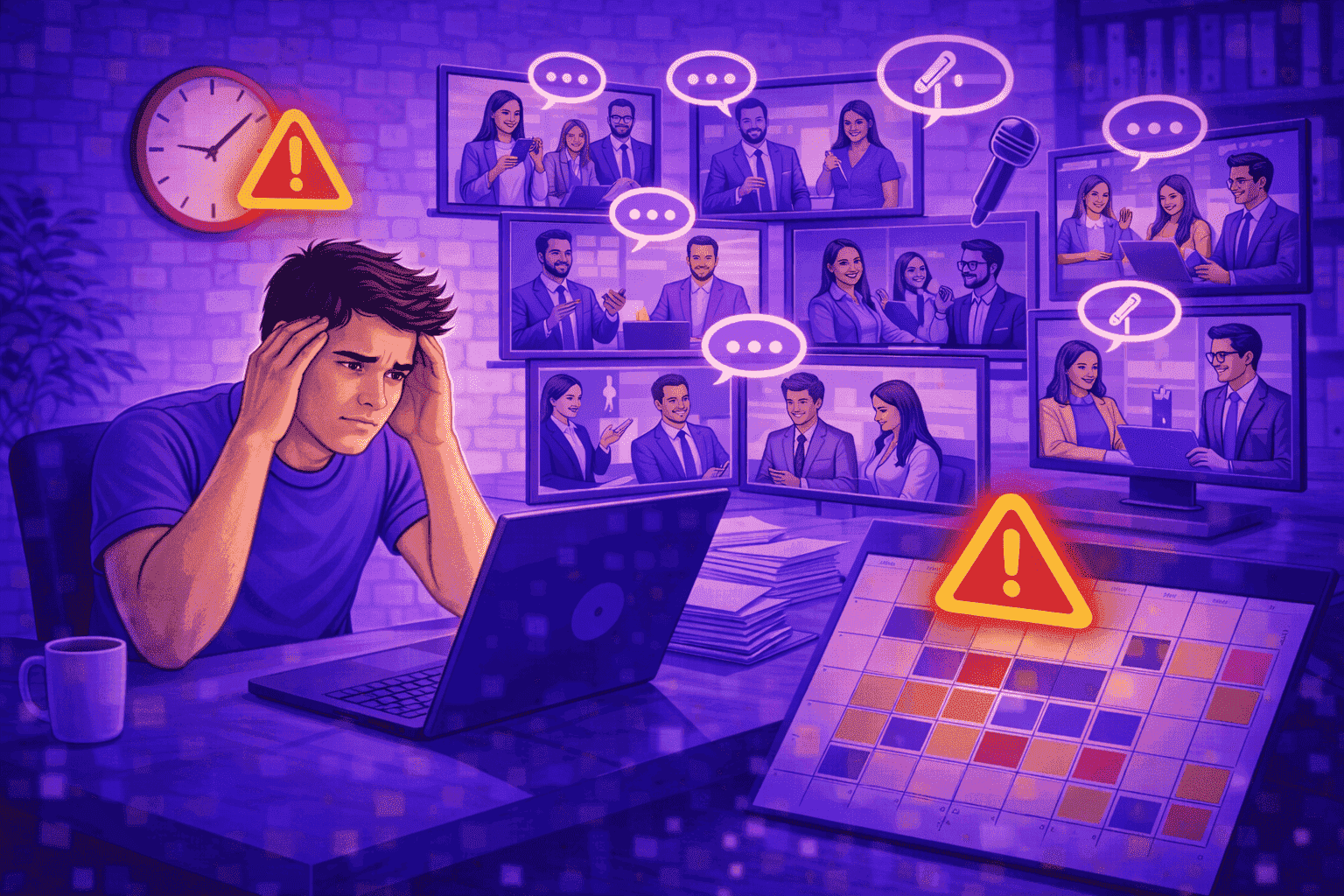
Workplace distractions are more than a minor annoyance—they quietly tax productivity, quality, and morale. A “quick question”, constant Slack pings, noisy offices, and meeting overload can fragment focus into tiny slices. The result: longer cycle times, more rework, and teams that feel busy without making meaningful progress.
This article breaks down the most common workplace distractions, the real cost of interruptions, and practical steps leaders can use to reduce friction—without creating a rigid or surveillance-heavy culture.
Why Workplace Distractions Cost More Than People Think
The biggest cost of workplace distractions isn’t the interruption itself—it’s the recovery. Research on task switching and interruptions shows that once attention breaks, it can take significant time to fully re-engage with the original task. Studies frequently cited in productivity research describe how quickly work becomes fragmented and how long it can take to return to a “flow” state.
That recovery time creates a compounding effect:
More time spent per task (especially deep work like writing, analysis, design, and coding)
Lower quality (mistakes increase when attention is split)
Higher stress (people feel behind, even when working nonstop)
For managers, this often shows up as “mysterious” delays: the plan looks reasonable, but execution drags. In practice, frequent workplace distractions can turn a 2-hour deliverable into a half-day output.
The Most Common Workplace Distractions
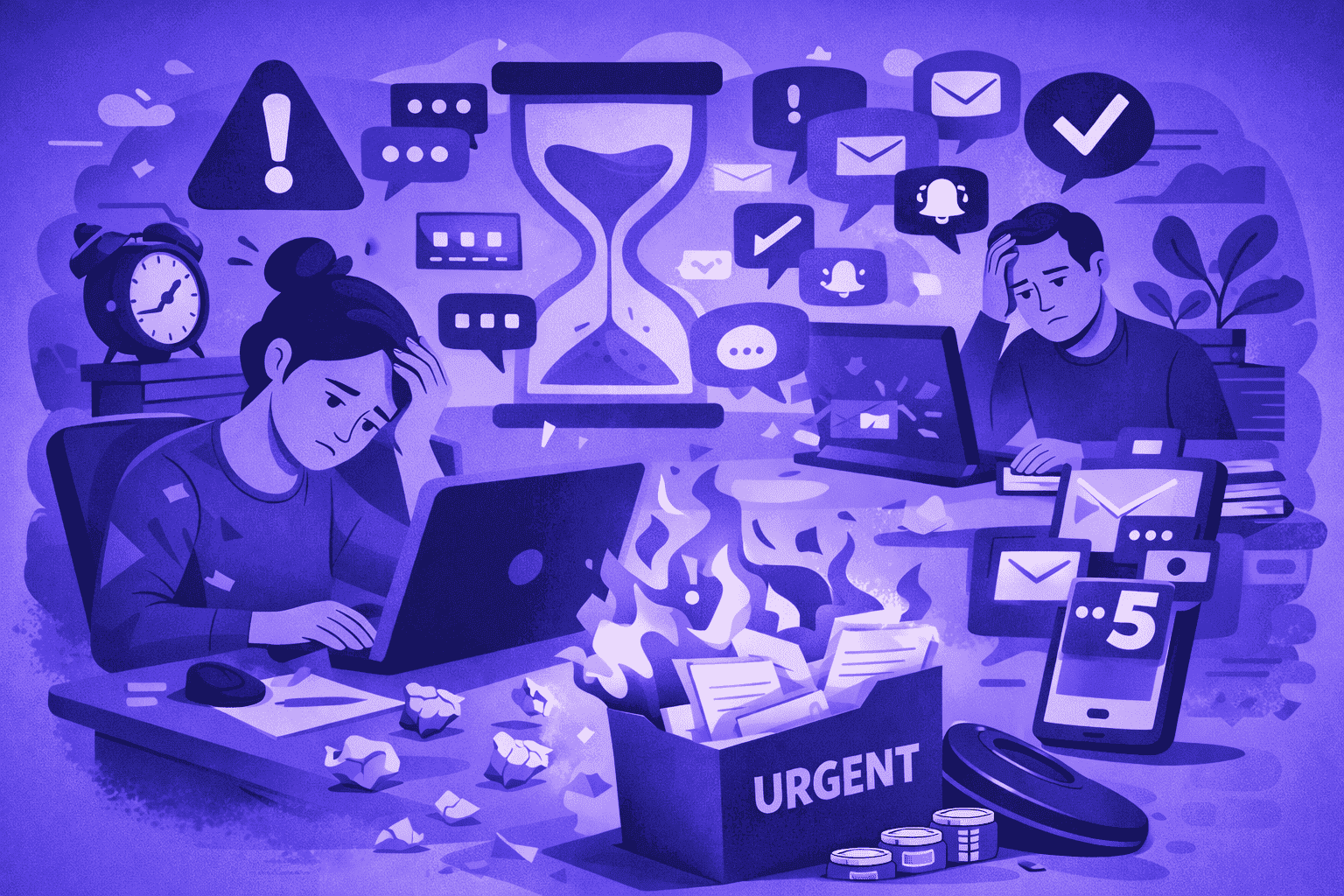
Not all workplace distractions are equal. Some are occasional and harmless; others are constant and structural. These are the biggest repeat offenders:
1. Interruptions from coworkers
Open-door norms, desk drop-bys, and “quick questions” can be helpful—until they become the default. When interruptions are frequent, they create a culture where focus is treated as optional.
Fix: Introduce simple norms like “focus blocks,” a daily window for questions, and asynchronous updates for non-urgent items.
2. Meeting overload
Meetings can be necessary, but they can also become the most expensive category of workplace distractions—especially when they lack clear outcomes, decision owners, or agendas.
Fix: Require a meeting “purpose statement” (decision, brainstorm, review), cap attendee lists, and end with action items + owners.
3. Digital noise (chat, email, notifications)
Always-on notifications are a modern form of workplace distractions: low-friction to send, high-cost to receive. Even if a message is ignored, it still pulls attention.
Fix: Default to async channels, set response-time expectations (e.g., “within 4 hours”), and encourage batching email/chat checks.
4. Noise and workspace design
Open office noise and constant background chatter can reduce concentration—especially for work that requires working memory (planning, writing, calculation).
Fix: Create quiet zones, offer noise-reducing options, and normalize “headphones = do not interrupt.”
5. Context switching across tools
Jumping between tabs, tools, and tasks is one of the most underestimated workplace distractions. It creates “attention residue,” where part of the brain stays stuck on the last task.
Fix: Encourage “single-threading” (one priority at a time), timeboxing, and clearer task definitions.
How to Reduce Workplace Distractions Without Killing Collaboration
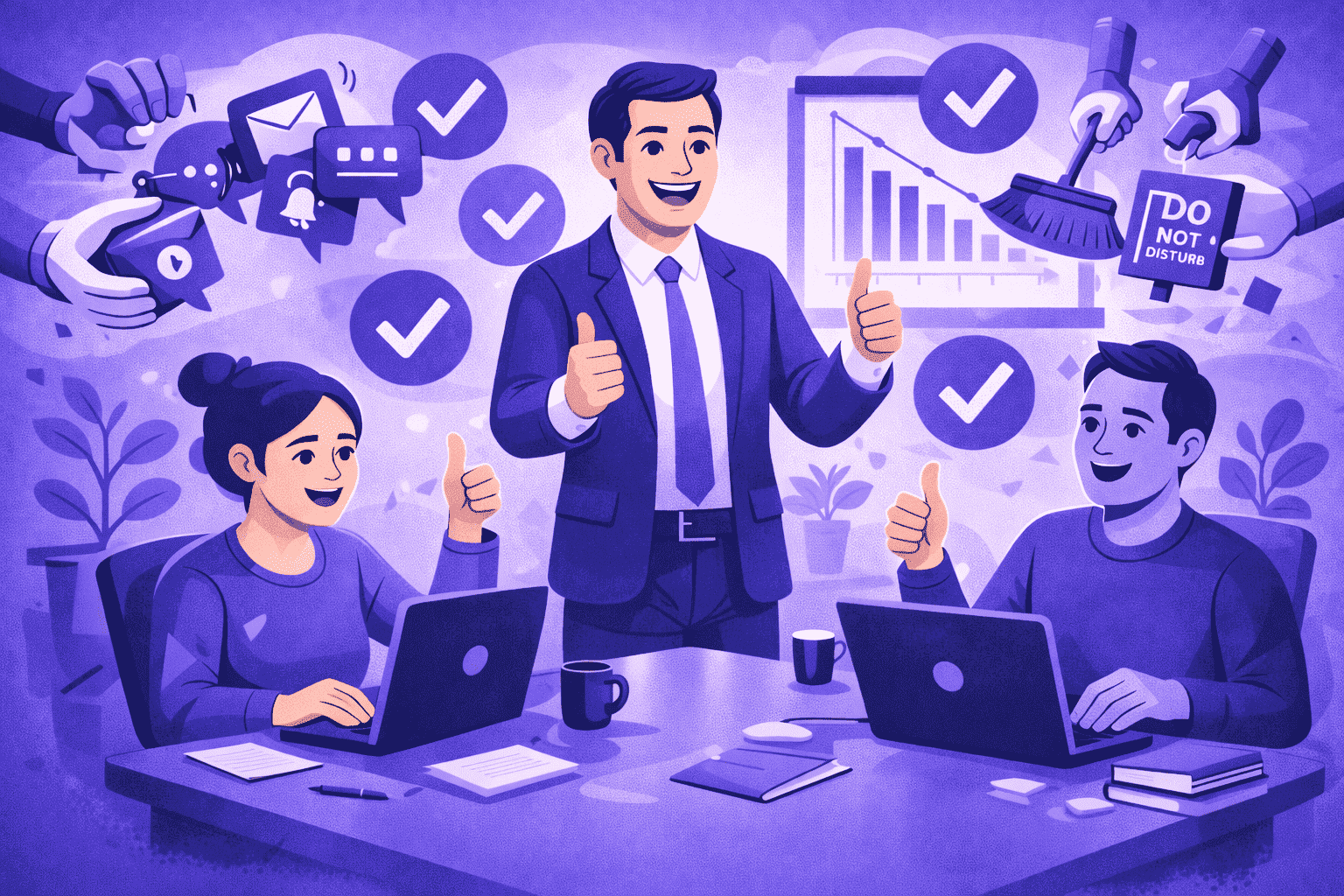
Reducing workplace distractions doesn’t mean eliminating collaboration. It means designing where and when collaboration happens so focus can exist.
Establish “focus-by-default” operating hours
Pick 2–4 hours per day where meetings are discouraged and interruptions are minimized. Make it explicit that this isn’t antisocial — it’s how high-value work gets done.
Use two lanes: urgent vs. non-urgent
Teams move faster when “urgent” has a clear definition. Otherwise, everything feels urgent.
Simple rule:
Urgent lane: blocking an active deliverable, customer-impacting, time-sensitive
Non-urgent lane: everything else (async message, ticket, scheduled check-in)
Redesign meetings as a last resort
If the purpose is information sharing, use a written update. If it’s a decision, keep it small, structured, and time-boxed.
Coach the habit: ask about obstacles, not “idle time”
A healthier way to lead is to focus on outcomes and barriers. Instead of interrogating activity, shift the conversation to what prevented progress and what support removes blockers. (This approach is common in outcome-based management guidance.)
Quick Takeaways
Workplace distractions cost the most in recovery time, not the interruption itself.
The top distractions are interruptions, meetings, digital notifications, noise, and context switching.
Reduce distractions with focus blocks, meeting discipline, and clear async norms.
Build a two-lane system: urgent vs. non-urgent communication.
Protect deep work without isolating teams—design collaboration windows intentionally.
Conclusion
Workplace distractions don’t just slow work—they reshape how work gets done. When interruptions, meetings, and digital noise become the default, teams lose focus, quality drops, and stress rises. A few operational changes—focus blocks, better meeting hygiene, clear async norms, and outcome-based coaching—can protect deep work while keeping collaboration strong.


Try OrbityTrack for 7 Days!
Boost Productivity.
Turn data into results.
Gain full visibility over your team.
Start Your Free Trial