Use Data to Improve Productivity
Adam Brooks
Introduction
Most teams do not have a productivity problem because they lack effort. They have a productivity problem because they lack clarity. Work gets delayed by hidden bottlenecks, overloaded calendars, unclear priorities, and too much time spent on low-value tasks. That is where data becomes useful — not as a surveillance tool, but as a way to understand how work actually happens. Current guidance on workforce analytics consistently frames productivity data as a tool for spotting patterns in focus time, utilization, engagement, and workload balance so leaders can make better decisions.
For business owners, team leaders, and HR or operations managers, the real value of productivity data is not just measurement. It is the ability to turn daily work patterns into practical changes that improve performance over time. This article explains how to use data to improve productivity, what signals matter most, and how to avoid turning analytics into micromanagement.
Start With the Right Productivity Questions
The best productivity systems do not begin with dashboards. They begin with the right questions.
Leaders need to understand where time is actually going, whether teams have enough uninterrupted focus time, where work gets stuck, and whether the workload is sustainable across the team.
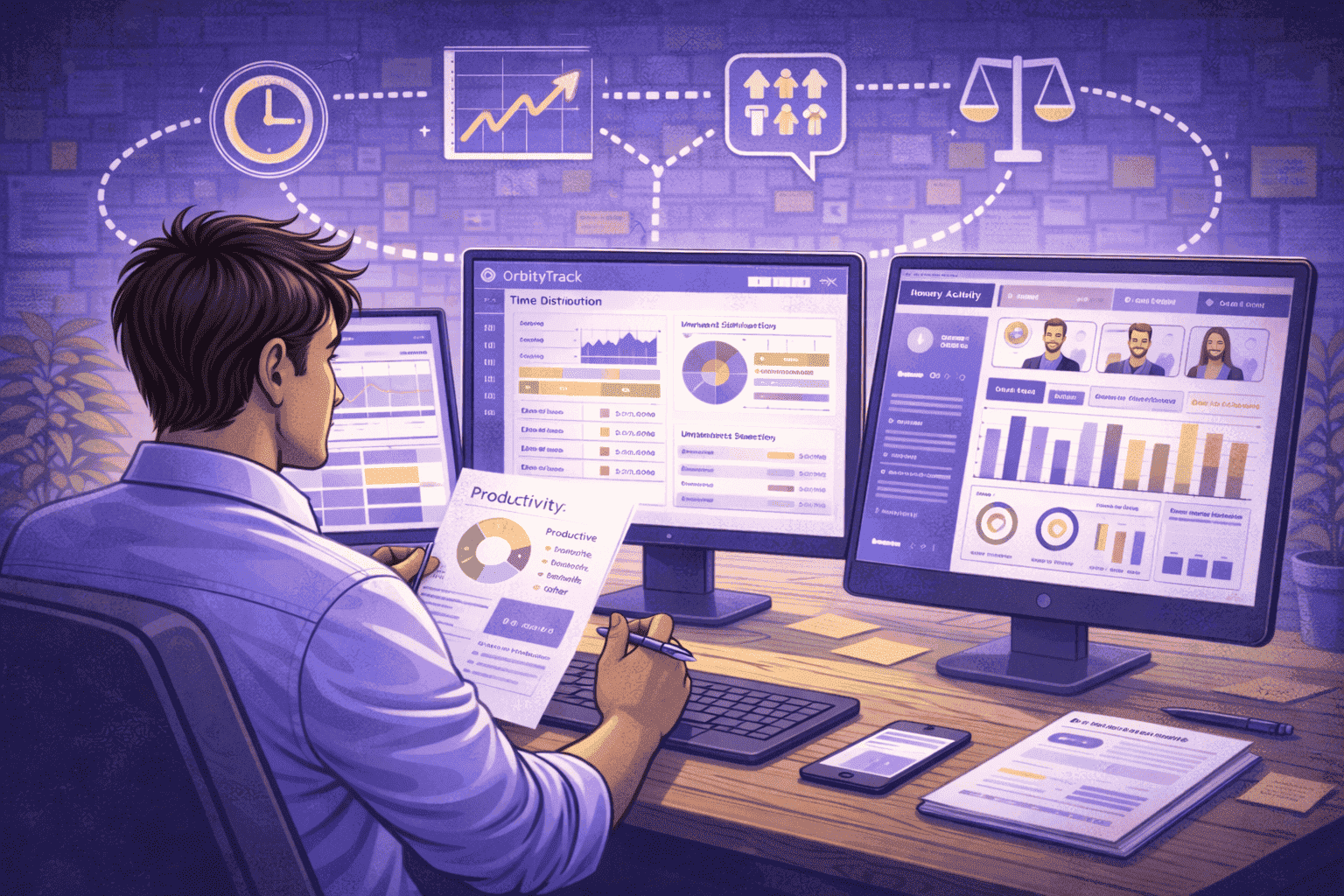
That’s where platforms like OrbityTrack change the game. Instead of relying on assumptions, they combine multiple signals — app and URL usage, activity levels, idle time, and productivity classification — to provide a clear view of how work is truly happening.
This matters because many organizations still manage productivity based on instinct. Decisions are often reactive, made without visibility into real work patterns. With a data-driven approach, leaders can identify workload imbalances, detect early signs of overload or disengagement, and understand how time is distributed across meaningful and non-meaningful work.
The goal is not to collect more data. It is to remove uncertainty.
A useful way to start is by asking:
Are employees spending enough time on high-impact work?
Is meeting load reducing deep work and focus time?
Are some team members overloaded while others are underutilized?
Are productivity patterns improving or declining over time?
When these questions are supported by real data — not guesswork — teams gain a much stronger foundation for improving performance.
Instead of telling people to “work faster” or “be more efficient,” leaders can identify exactly what is getting in the way — and fix it.

Understand Where Time Actually Creates Value
A critical use of data is understanding where time is truly generating value — and where it is not. Many activities look productive on the surface, but end up fragmenting focus and slowing down real progress. Without visibility, teams may appear busy while essential work gets delayed.
Tools like OrbityTrack help bring this level of clarity through structured productivity classification. Instead of treating all activity the same, time is categorized into:
Productive — work aligned with core responsibilities and outcomes
Unproductive — activities that do not contribute to results
Unclassified — neutral or undefined activity that needs context
Suspicious — unusual patterns that may indicate anomalies
With this level of visibility, it becomes easier to identify whether time is being used effectively or diluted across low-impact tasks. Productivity improves not by pushing people to do more, but by ensuring their time is focused on what actually drives results.
Use Data to Manage Workload, Not Just Output
One of the strongest benefits of analytics is that it exposes workload imbalance. A team can hit short-term goals while slowly burning out if the same people carry too much of the load. Data-driven approaches make it possible to understand how time distribution, scheduling, utilization, and role alignment affect performance across the team.
This is especially important in remote and hybrid environments, where overload is harder to detect. Some employees compensate by working late, while others appear “fine” until their performance begins to drop. Tools like OrbityTrack help surface these patterns by revealing active work distribution, utilization levels, and after-hours activity, making it easier to identify when work is not evenly balanced.
Why ethics still matter
At the same time, how this data is used is just as important as the data itself. Productivity insights can improve decision-making, but they can also lead to micromanagement if leaders focus on isolated activity instead of meaningful patterns. The difference comes down to intent. When data is used to remove friction, rebalance workloads, and support employees, trust tends to grow. When it is used to control behavior at a granular level, it quickly becomes counterproductive.

Turn Productivity Data Into Better Decisions
The real advantage of data is not visibility alone — it is better decision-making. When leaders understand work patterns, they can redesign meeting structures, reduce low-value activities, protect focus time, and address bottlenecks before they impact results.
The most effective systems are usually simple. They focus on a small set of metrics reviewed consistently, such as focus time, workload distribution, utilization, and engagement signals. These insights are most powerful when combined with team conversations, where data highlights what is happening and people help explain why.
That is when productivity data becomes truly valuable — not as a way to measure activity, but as a system for continuous improvement.
Quick Takeaways
The best way to use data for productivity is to answer specific questions about focus, workload, and workflow.
Focus time is one of the most valuable indicators because it shows whether teams still have space for deep work.
Productivity data should also show workload balance, not just output levels.
Analytics should support decision-making and coaching, not turn into micromanagement.
Conclusion
Improving productivity with data is not about watching people more closely. It is about understanding work more clearly. When leaders track focus time, core work, utilization, and workload patterns, they gain the ability to fix systems instead of simply pressuring people to “do more”. Used correctly, productivity data creates clarity, improves planning, and makes performance more sustainable.




Try OrbityTrack for 7 Days!
Boost Productivity.
Turn data into results.
Gain full visibility over your team.
Start Your Free Trial