OrbityTrack vs Teramind: Monitoring Platform Comparison
Daichi Yamamoto
Dec 18, 2025
Introduction
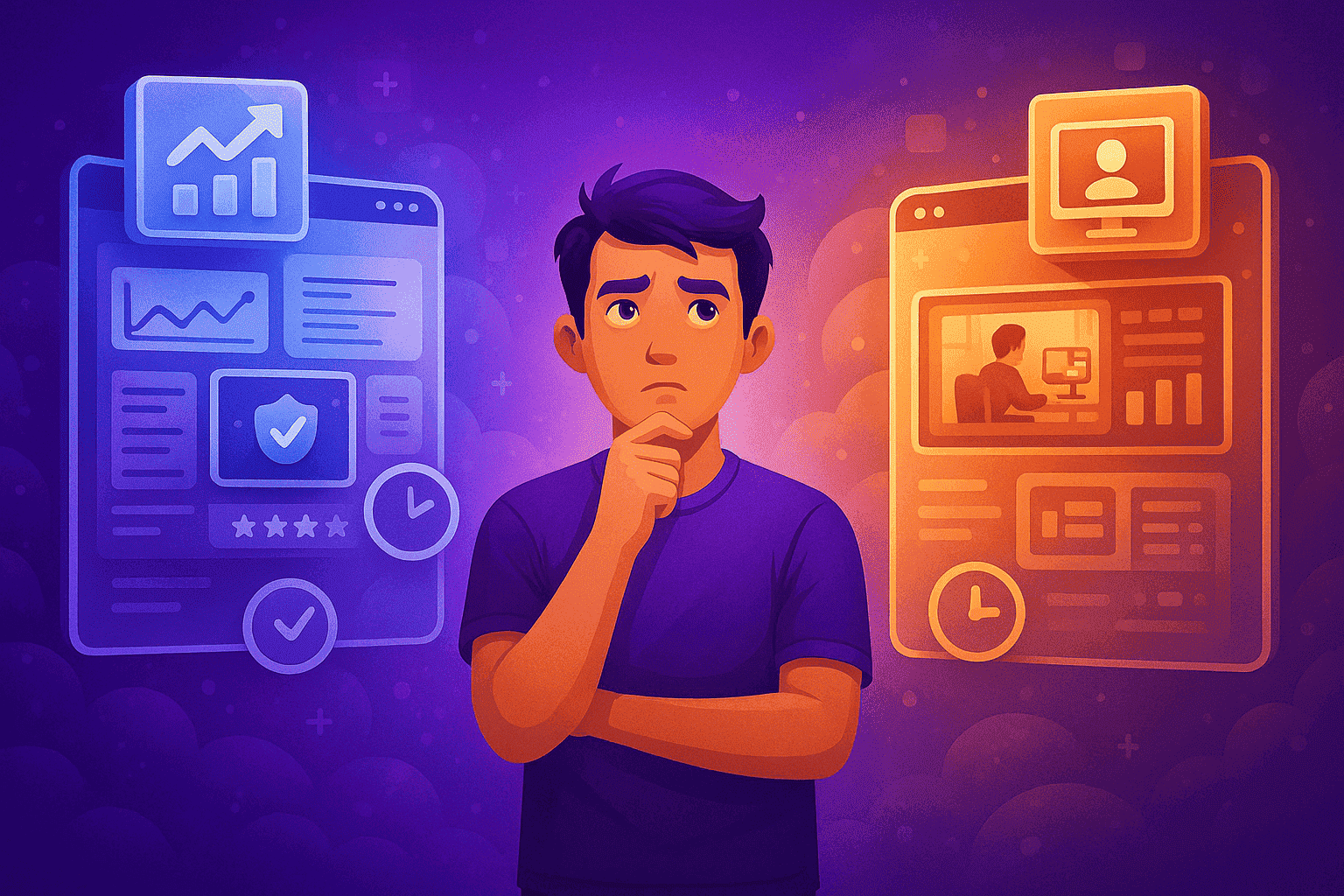
Every monitoring platform approaches visibility and productivity in its own way. Understanding those approaches is essential when choosing a system that fits not only your workflow, but also your company’s culture and expectations around transparency. In this comparison between OrbityTrack and Teramind, we look at how each platform supports daily operations, activity understanding, and organizational oversight across key areas of the workday.
Time Tracking: Continuous Monitoring With Different Transparency Models
Let’s begin with how each platform handles work tracking.
OrbityTrack runs fully automatically from the moment the member’s device is powered on. There is no start-pause interaction — all activity is monitored continuously in the background. The platform identifies active time, idle time, and distributes activity across four usage classifications defined by the system.
On machines where the OrbityTrack application is installed, an optional floating window displays the member’s productivity index in real time. This feature can be disabled if a completely silent experience is preferred. When expanded through the side menu, members can review their historical productivity index for the current day, the last 7 days, and the last 30 days. The expanded view also highlights the main applications and URLs accessed, giving employees greater awareness of their own activity and supporting natural improvement through meaningful data.
OrbityTrack also supports intelligent notifications triggered by specific metrics or behavioral patterns. These notifications can be delivered by email or directly through the client, automatically opening on the user’s screen when conditions are met. This allows organizations to reinforce guidance, flag potential issues, or acknowledge positive performance in real time.
Teramind offers two different installation agents that define how monitoring is presented. The Stealth Agent runs entirely in the background without the member being aware that monitoring is active. The Revealed Agent, by contrast, is visible to the user and tracks only the hours worked specifically for the company. These two approaches allow organizations to choose the level of transparency that best aligns with their monitoring policies and internal guidelines.
Productivity Monitoring: Contextual Interpretation vs Live Visibility
Now let’s take a look at how productivity is interpreted and visualized.
OrbityTrack analyzes activity using mouse movement, keyboard interaction, and audio activity detection, recognizing when a member is speaking during meetings or collaborative discussions without recording or storing any audio. Productivity is divided into four classifications — productive, unclassified, unproductive, and suspicious — adding deeper meaning to how time is spent throughout the workday.
Screenshots are captured every ten minutes and can be blurred for members handling sensitive information. OrbityTrack also logs all applications and URLs accessed, allowing organizations to understand not just how long someone worked, but the quality and context of that activity.
Teramind also provides detailed productivity insights, but through a different lens. One of its most distinctive features is Live Montage, a real-time mosaic created from a sequence of screenshots that resembles a live video feed. This feature is designed to show what the member is doing at any given moment. Teramind also reports activity percentages based on mouse and keyboard movement and logs all applications and URLs accessed during the day, helping teams analyze how time and attention are distributed.
While both platforms deliver strong visibility into digital activity, OrbityTrack focuses on contextual interpretation and structured feedback, whereas Teramind emphasizes continuous, real-time observation.

Scheduling: Flexible Structures vs Continuous Device Focus
And finally, let’s talk about scheduling.
OrbityTrack supports flexible schedule configuration. Members can follow the company’s standard working hours, operate under a 24/7 model, or use a fully customized schedule tailored to their role. Even when schedules are defined, the device continues to be monitored whenever it is powered on, allowing activity to be analyzed both inside and outside designated working periods.
Teramind, at this time, does not include a dedicated scheduling module. Its design is centered around continuous device monitoring and providing live visibility whenever the machine is active, without focusing on defining specific working hours, attendance structures, or schedule enforcement.
Which Monitoring Platform Is the Best Fit for You?
Choosing between OrbityTrack and Teramind depends on how your organization approaches visibility and feedback in daily operations. Some teams prioritize contextual insights and structured metrics that help employees understand and improve their own performance, while others focus more on continuous observation and real-time oversight. Understanding which model best supports your workflow and culture makes it easier to select the platform that fits your needs.
Quick Takeaways
OrbityTrack and Teramind both offer continuous monitoring and detailed visibility into digital activity.
OrbityTrack combines automatic tracking with contextual productivity interpretation, real-time metrics, and member-facing feedback.
Teramind emphasizes live visibility and continuous observation through features like Live Montage and agent-based monitoring models.
OrbityTrack includes flexible scheduling options, while Teramind focuses primarily on device-level monitoring without schedule definition.
Conclusion
Selecting a monitoring platform is ultimately about aligning technology with how your organization operates. Different tools emphasize different aspects of visibility, control, and insight, and the right choice is the one that integrates naturally into your daily processes while supporting clarity and accountability across the team.




Try OrbityTrack for 7 Days!
Boost Productivity.
Turn data into results.
Gain full visibility over your team.
Start Your Free Trial