OrbityTrack vs ActivTrak: Best Monitoring Platform Comparison
Adam Brooks
Dec 9, 2025
Introduction
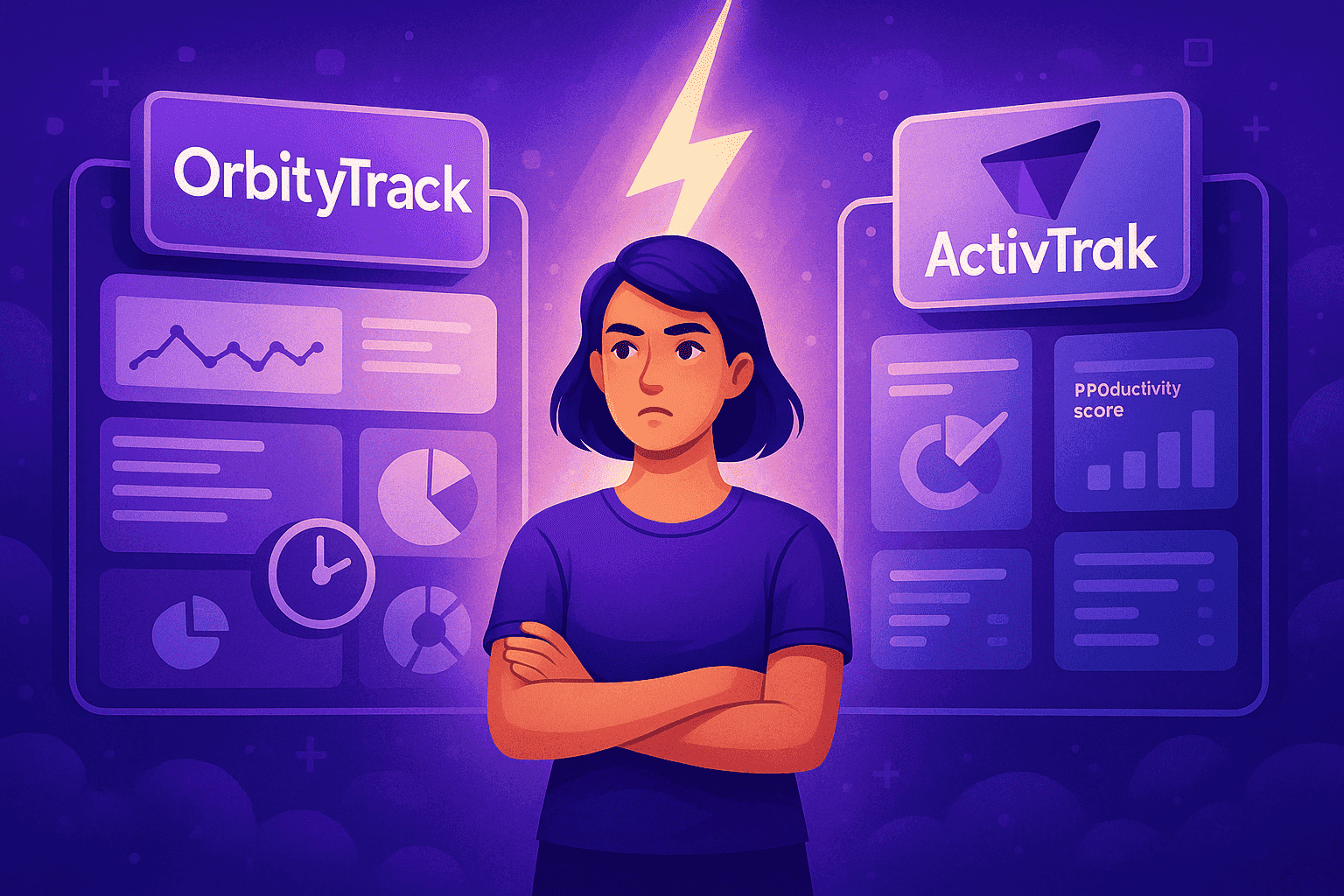
Selecting the best monitoring platform for your organization isn’t just about comparing features — it’s about finding a system that genuinely supports how your team operates. Different platforms emphasize different aspects of the workday, and understanding these distinctions is the key to making a confident, well-aligned decision. In this comparison between OrbityTrack and ActivTrak, we explore how each platform handles time tracking, productivity insights, and work schedule management so you can determine which solution fits your operational style.
Time Tracking: Continuous Monitoring vs Silent Background Recording
Although both platforms offer automated tracking, the way they approach the process creates two very distinct experiences.
OrbityTrack tracks activity automatically from the moment the device is switched on. There’s no need for employees to start or stop anything — the system quietly records activity time, idle periods, and behavioral classifications such as productive, unproductive, unclassified, or suspicious. A key component of OrbityTrack is its optional productivity window, which shows real-time performance indicators. Companies can keep this visible to help employees monitor their own behavior or disable it entirely for a fully discreet experience. When expanded, the window reveals detailed historical performance metrics for the current day, past week, and past 30 days, along with a list of applications and websites used, plus their respective classifications. OrbityTrack supports Windows, Linux, and macOS environments without any loss of capability.
ActivTrak also performs automatic tracking once installed. It runs quietly and continuously, capturing work activity and assigning it to categories such as productive or unproductive. The platform aims for a low-maintenance experience so managers can review how time is spent without employees needing to interact with the system. While ActivTrak and OrbityTrack share a hands-off approach, their depth of analysis differs, especially when examining productivity throughout the workday.
Productivity Analysis: Granular Interpretation vs High-Level Visibility
Productivity monitoring is where the philosophies of the two tools diverge more noticeably.
OrbityTrack evaluates activity using mouse and keyboard interaction as well as audio presence detection, acknowledging moments of genuine work during calls, meetings, and collaborative discussions. No audio is ever recorded or stored; the system only detects voice presence to ensure accurate activity reporting. By dividing activity into four distinct categories — productive, unproductive, unclassified, and suspicious — OrbityTrack delivers a far more precise representation of each member’s workday. The system captures multiple screenshots every ten minutes, with optional blurring for individuals handling sensitive information, and logs all applications and URLs accessed to build a complete digital activity timeline.
Beyond its core productivity measurement, OrbityTrack includes an intelligent notification system that allows companies to create metric-based alerts. Managers can define goals or thresholds and automatically notify leaders, supervisors, or even the members themselves when specific conditions are met. These notifications can highlight potential issues, such as unproductive activity exceeding 50%, or celebrate positive outcomes, such as surpassing 80% productive time during the day. When the floating window is enabled, these alerts can appear directly as pop-ups, turning the window into a real-time feedback tool that helps employees improve their habits naturally.
ActivTrak provides productivity insights centered around its well-known Productivity Pulse, a percentage score designed to summarize user performance at a glance. The platform supports screenshot capture as well, although this functionality is available only through paid add-ons regardless of subscription tier. ActivTrak also monitors applications and website usage to show how time is divided across tasks, offering a clear and visual interpretation of digital activity. A key component of ActivTrak’s approach is its Coach feature, which analyzes team performance trends, detects behavioral patterns, and alerts managers to unusual or declining activity levels. Unlike OrbityTrack’s member-facing visibility, Coach insights are designed exclusively for managers and supervisors, giving them a high-level analytical perspective rather than direct feedback for employees.

Scheduling & Work Patterns: Flexible Structures vs Organized Time Blocks
How each system handles work schedules is another important difference.
OrbityTrack offers a highly adaptable scheduling framework. Teams can operate under a standard company schedule, follow a 24/7 structure, or use fully customized schedules tailored to individual roles. Regardless of the assigned schedule, OrbityTrack continues monitoring whenever the device is active. This enables companies to analyze both on-schedule and off-schedule behavior, identify early signs of burnout, and understand whether employees are regularly working outside expected hours.
ActivTrak includes built-in scheduling options as well. It provides a default schedule template and allows organizations to create additional schedules with customizable days and times. Members can then be assigned to these schedules depending on their department or function. While effective for organizing work hours, ActivTrak does not emphasize off-schedule behavior or after-hours insights in the same way OrbityTrack does.
Which Monitoring System Is a Better Fit for Your Organization?
Both platforms offer meaningful benefits but cater to different operational philosophies. OrbityTrack is best suited for organizations seeking a continuous, highly detailed monitoring system capable of interpreting subtle work patterns, identifying collaborative activity, and providing individual-level insights that help employees improve naturally over time. It excels in scenarios where accuracy and behavioral context are essential.
ActivTrak is a strong contender for teams that value a dashboard-oriented interpretation of productivity, offering clear visual indicators such as Productivity Pulse and scheduling tools that adapt well to different operational structures. Its approach works effectively for organizations seeking high-level oversight supported by visual analytics and performance trends, making it easier for leaders to identify patterns and guide decision-making without relying exclusively on granular behavioral data.
Both systems bring valuable capabilities to the table, and understanding their differences is the key to choosing the monitoring solution that complements your workflow, culture, and long-term operational goals.
Quick Takeaways
OrbityTrack focuses on continuous, automatic monitoring with deeper insights into behavioral patterns, including audio-presence detection and multi-layered activity classification.
ActivTrak offers a simpler, dashboard-driven view of productivity with features like Productivity Pulse and flexible schedule templates.
Both platforms provide automatic tracking, app/URL usage monitoring, and screenshot capabilities, though OrbityTrack emphasizes context while ActivTrak emphasizes visualization.
Scheduling is highly flexible in OrbityTrack, while ActivTrak organizes work hours through clear, predefined templates.
The best choice depends on how your team works and the level of detail or simplicity you expect from your monitoring system.
Conclusion
Ultimately, choosing the right monitoring system comes down to understanding what your organization values most in day-to-day operations. Some teams benefit from highly detailed insights that reveal how work truly unfolds, while others prefer more streamlined visibility focused on clear metrics and straightforward dashboards.




Try OrbityTrack for 7 Days!
Boost Productivity.
Turn data into results.
Gain full visibility over your team.
Start Your Free Trial