OrbityTrack vs Hubstaff: Which Monitoring Platform Is Best for You?
Adam Brooks
Dec 4, 2025
Introduction
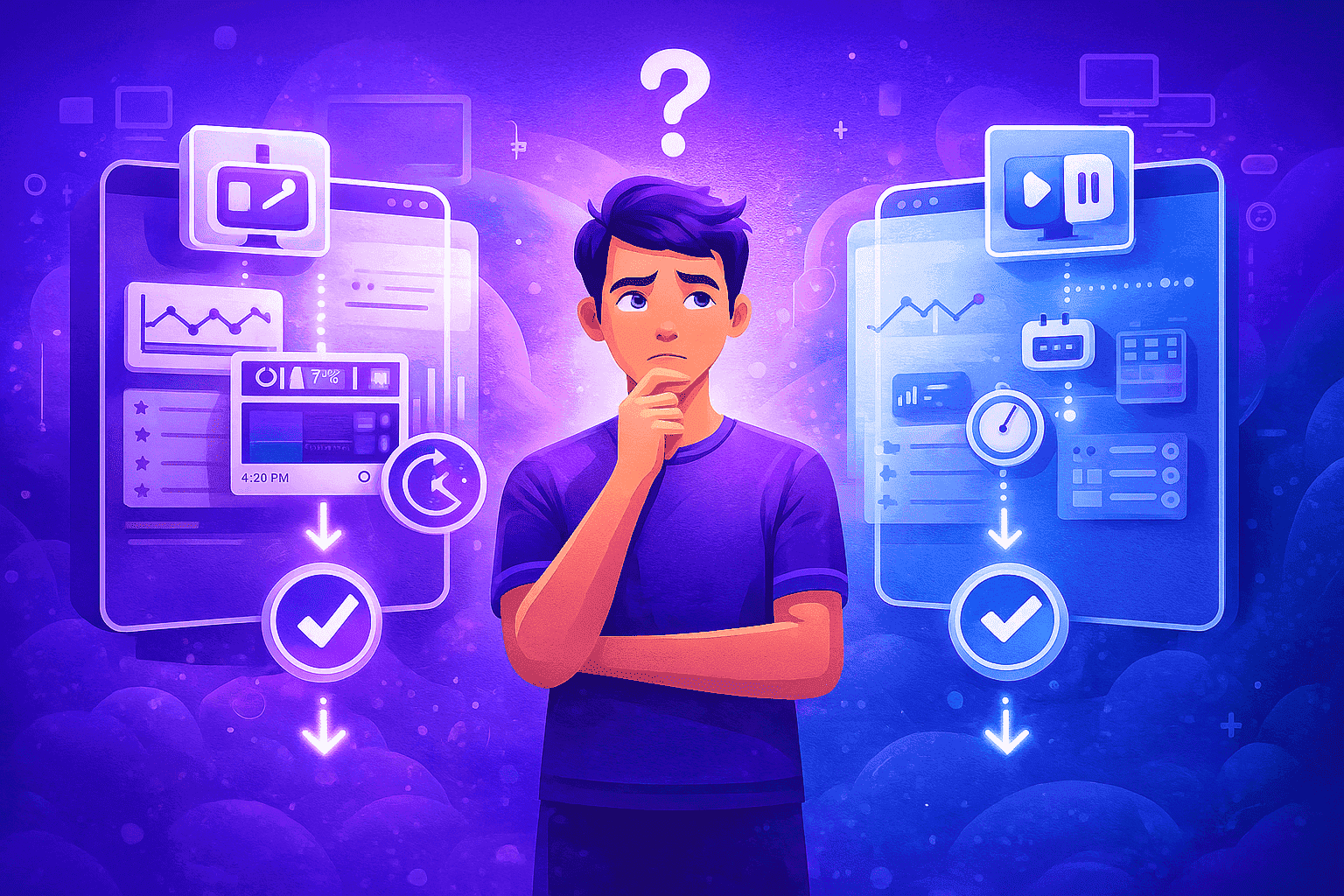
Finding the best monitoring platform for your company means going beyond traditional time tracking. Modern businesses need solutions that reliably measure activity, provide context behind digital behavior, and operate without disrupting an employee’s day. OrbityTrack and Hubstaff are two of the most recognized platforms in this space, and while both are strong contenders, they approach monitoring very differently. Understanding these differences is essential for deciding which tool truly fits your operational style.
Understanding What Defines the Best Monitoring Platform
A best-in-class monitoring platform should give companies reliable data, fair insights, and predictable behavior across their entire team. More importantly, it needs to balance visibility with usability. This means offering accurate time tracking, productivity interpretation based on real work situations, and a scheduling system that aligns with how modern teams operate. With this foundation in mind, OrbityTrack and Hubstaff reveal two distinct strategies.
Time Tracking: Automatic Behavior vs Manual Control
OrbityTrack is designed to track time automatically the moment the computer turns on. There is no start, pause, or stop button—tracking simply happens, ensuring every minute of activity or idle time is captured accurately. This eliminates forgotten timers and inconsistent logs. A core part of this experience is the platform’s floating window, which displays the user’s real-time productivity index and historical performance for the day, week, and month.
This floating window can be enabled or disabled depending on company preference. It is highly recommended to keep it visible because employees tend to self-correct their habits, often improving their productivity by up to 40%. For organizations that require a completely silent experience, the floating window can be turned off, allowing the OrbityTrack client to run invisibly in the background.
Hubstaff takes a more traditional approach with its play–pause system, where employees manually start and stop their time. This works well for certain workflows but naturally introduces the possibility of incomplete or forgotten entries. Hubstaff also includes idle reminders to alert employees about inactivity. For companies seeking automation similar to OrbityTrack, Hubstaff does offer a silent app, but it is available only in higher-tier plans, making it less accessible for smaller teams or budget-conscious organizations.
Productivity Monitoring: Contextual Intelligence vs Basic Activity Metrics
One of the strongest distinctions between the platforms lies in how productivity is interpreted. OrbityTrack uses a multi-signal approach, analyzing mouse activity, keyboard activity, and the presence of sound. No audio is recorded—only activity detection is used. This allows the system to identify real work scenarios such as meetings, calls, and team discussions, all of which are often undervalued in systems that only measure mechanical interaction.
OrbityTrack also classifies each minute of activity into meaningful categories such as productive, unproductive, unclassified, and suspicious. Screenshots are captured several times within each ten-minute interval, and the platform allows companies to enable or disable screenshot blurring per member, ensuring privacy-sensitive situations can be handled responsibly. This combination gives managers a complete understanding of work behavior rather than a surface-level percentage.
Hubstaff calculates productivity primarily through mouse and keyboard usage. This creates a straightforward metric that many companies find sufficient, especially for task-based roles. It also captures screenshots and logs URLs and applications. While these tools offer solid baseline visibility, the lack of sound-activity detection or deeper classification may result in underreporting productivity for collaborative roles.
Scheduling and Flexibility: Full Visibility vs Structured Planning

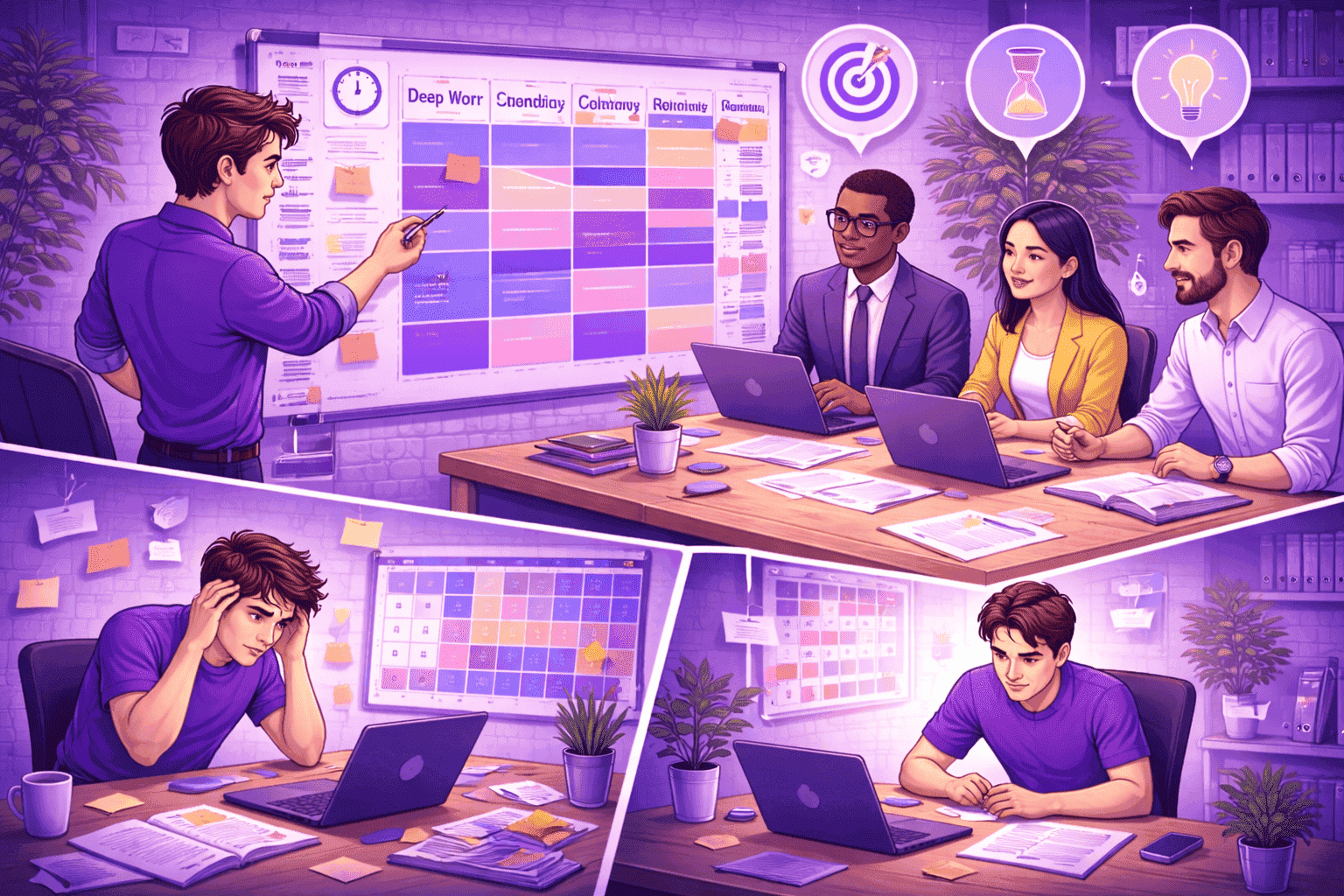
OrbityTrack supports a versatile scheduling system that adapts to different team structures. Companies can set a standard schedule, create fully customized schedules, or activate 24/7 tracking for members without fixed working hours. What makes OrbityTrack particularly effective is that even when a schedule is defined, tracking continues whenever the machine is on. This gives managers visibility into behavior inside and outside working hours, helping them identify overtime, after-hours patterns, or unusual computer usage.
Hubstaff also includes scheduling features with a calendar, shift tracking, and attendance monitoring. These tools are highly valuable for organizations with predictable shift-based routines or field operations. However, Hubstaff does not prioritize detailed analysis outside scheduled hours, making its approach more suited for teams with consistent work blocks.
Which Platform Is Truly the Best Monitoring Platform for Your Team?
The best monitoring platform depends heavily on your team’s environment, expectations, and level of visibility required. OrbityTrack is the stronger choice for companies needing continuous tracking, detailed productivity interpretation, and transparent data that helps employees understand and improve their own performance. Its multi-signal detection, productivity classifications, and optional floating window make it especially effective for hybrid and remote teams.
Hubstaff, on the other hand, is a better fit for organizations that depend on GPS tracking, shift scheduling, and manual time validation for payroll. Its silent app can offer a similar automatic experience, but since it is locked behind advanced plans, it may not be ideal for all budget levels.
Quick Takeaways
OrbityTrack provides automatic tracking and contextual productivity insights that recognize meetings, calls, and discussions as real work.
Its floating window can boost employee productivity by up to 40%, but can also be disabled for fully silent operation.
Hubstaff’s traditional play–pause system is simple but depends heavily on user interaction; its silent mode exists only in higher-tier plans.
OrbityTrack offers flexible scheduling with full visibility inside and outside working hours, while Hubstaff focuses more on structured shift planning.
The best monitoring platform depends on whether your team needs deeper behavioral insights or a more straightforward attendance-based structure.
Conclusion
In the end, determining the best monitoring platform comes down to understanding what your organization values most—whether it’s automation, productivity insights, scheduling flexibility, or simplicity. Different teams have different operational needs, and the right solution should align naturally with how your employees work day to day. By focusing on the level of visibility you require, the type of workflows you manage, and the amount of guidance or autonomy you want to offer your team, you can choose a platform that supports both performance and clarity.



Try OrbityTrack for 7 Days!
Boost Productivity.
Turn data into results.
Gain full visibility over your team.
Start Your Free Trial